Protection controls
Reduce the mobile attack surface before it becomes an incident.
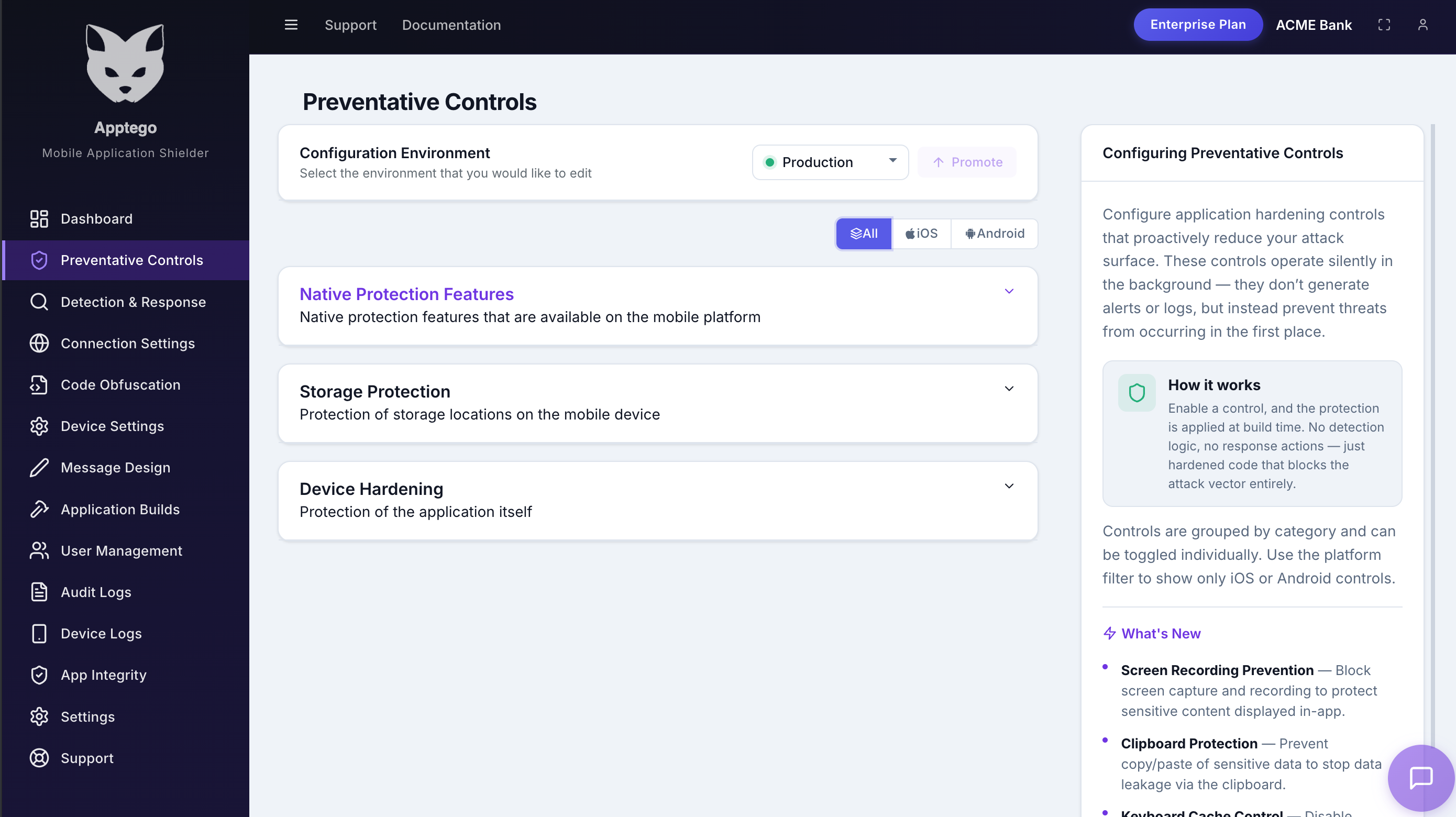
AppTego prevention and hardening controls are part of a 50+ control platform for mobile app shielding. They help limit sensitive screen capture, reduce weak device behaviour, and narrow the paths attackers use to extract data or manipulate sessions.
What it protects
Lock down the moments where sensitive data leaves the app.
Mobile security breaks down when account screens, payment flows, health records, support chats, or admin tools can be copied, overlaid, backed up, or inspected by the device around them. AppTego gives teams practical controls for those moments without rebuilding the product experience.
- Reduce screenshots, screen recording, and screen mirroring on sensitive screens.
- Enable screen capture blocking and task switcher blurring on sensitive Android screens.
- Reduce data extraction from clipboard, backup, storage, and autofill paths.
- Harden WebView behaviour and transport requirements without application rewrites.
Screen protection
Limit screenshots, recording, mirroring, and task switcher previews for sensitive workflows.
Data handling
Reduce accidental leakage through backup, storage, clipboard, and autofill behaviour.
Platform hardening
Turn on native safeguards that make the protected app harder to inspect or misuse.
Controls teams commonly enable first
Protection controls can be combined with runtime detection and branded responses to create a layered security posture for high-risk workflows.
Secure screen flows
Apply screenshot, recording, and mirroring controls to payments, identity, medical records, confidential media, or administrator screens.
Reduce local leakage
Use Android storage permission hardening, iOS storage encryption, backup controls, and clipboard controls for data that should not leave the protected app context.
Protect sensitive inputs
Disable risky autofill suggestions and harden WebViews where forms, tokens, credentials, or support flows are exposed.